Spectra Assure Free Trial
Get your 14-day free trial of Spectra Assure for Software Supply Chain Security
Get Free TrialMore about Spectra Assure Free TrialMicrosoft’s Office products have lately proven to be fertile ground for a variety of new attack vectors used in the wild, ranging from relatively simple data injection vectors such as DDE [1] and CSV [2] injections to more complicated exploits for embedded legacy equation objects [3]. The antivirus industry was quick to pick up on such techniques, and most of the vectors are correctly detected and identified by many vendors. Two new techniques (one obfuscation and one variation) dealing with CSV DDE injections have already been described in a joint blog post by Cisco Talos and ReversingLabs [4]. The purpose of this blog post is to explain some of the ‘whys’ behind those techniques and introduce three new obfuscation techniques.
Even though the DDE code injection technique has been extensively covered elsewhere, it doesn’t hurt to recap how it works quickly. CSV (comma-separated value) is a simple data format used to store structured data, and it can be used as a data source for Excel (i.e., Excel parses it, and populates the cells with the data found within the delimiters). In actuality, Excel seems to revert to CSV mode if the file format doesn’t agree with the file extension, but the file extension can be opened with Excel.
According to Microsoft, DDE (Dynamic Data Exchange) is one of the methods for transferring data between applications. One way it can be used within Excel is to update the contents of a cell based on the result of an external application. Thus, if one crafts a CSV file containing a DDE formula, when opened, Excel will try to execute the external application because of DDE - sounds simple enough.
In reality, “simple enough” is not even close to how it works. When a file is opened, every line of the file is inspected separately. Before the contents of a line are delimited and copied into appropriate cells, Excel checks if the line starts with one of its command characters. These seem to be “=”, “+”, “-”, and “@” for internal functions. Depending on the command prefix, one of two things can happen:
1. If the prefix is one of “=”, “+”, or “-”, the remainder is treated as an expression
2. If the prefix is “@”, Excel searches for the internal function (such as SUM()) and
interprets the argument(s) as an expression
So far, all of this is public knowledge, but how the state machine handles expressions might not be and can be considered a bit too permissive. The expression, when talking about DDE, can roughly be represented as:
command|’arguments’!cellIn itself, a command is also an expression. If the expression contains only printable characters (and even some non-printable, such as 0xAA, but this depends on the code page), the size of the buffer is 256 bytes. Since one byte is taken by the command prefix or an operator, it leaves 255 bytes for the actual expression. An expression can be a name, a number, a string, or a filename.
Even though there’s ample space, the maximum filename length for an external application is 8 characters. This seems to be a relic from old MS-DOS filenames, which can only be 8 characters long without the extension.
However, expressions are usually defined recursively and can be chained using the usual arithmetic and logic operators (such as “&”, “^”, “/”, “+”, etc.), and even with an open parenthesis (implying the start of arguments for a function) or a colon (used as a cell separator). Although a command shouldn’t be treated as an expression, all of this would still sound more or less reasonable, were it not for the fact that null bytes are completely ignored, while spaces are sometimes ignored (e.g., if written before the command).
In other words, an expression can have an unlimited amount of null bytes interspersed within it. Null bytes seem to be ignored in the arguments and cell portions as well. To top it off, the cell reference doesn’t have to be valid at all. Once the expression has been parsed and transformed, the command and arguments are passed to the WinExec() API for execution.
Cisco Talos [4] has already mentioned samples seen in the wild that are using simple obfuscation techniques, such as prepending textual or binary data before and after the DDE formula. This seems to be only the tip of the iceberg, as the data parsing rules enable not just prefix and suffix obfuscations of the content around commands, but prefix, suffix, and infix obfuscation of the commands as well.
A simple prefix obfuscation of a command exploits the fact that expressions can be chained, and one can inject an arbitrary amount of expressions before the actual command (each subexpression having a maximum of 255 characters), or even chain commands together, such as:
=AAAA+BBBB-CCCC&"Hello"/12345&cmd|'/c calc.exe'!A
=cmd|'/c calc.exe'!A*cmd|'/c calc.exe'!A
+thespanishinquisition(cmd|'/c calc.exe'!A
=         cmd|'/c calc.exe'!A
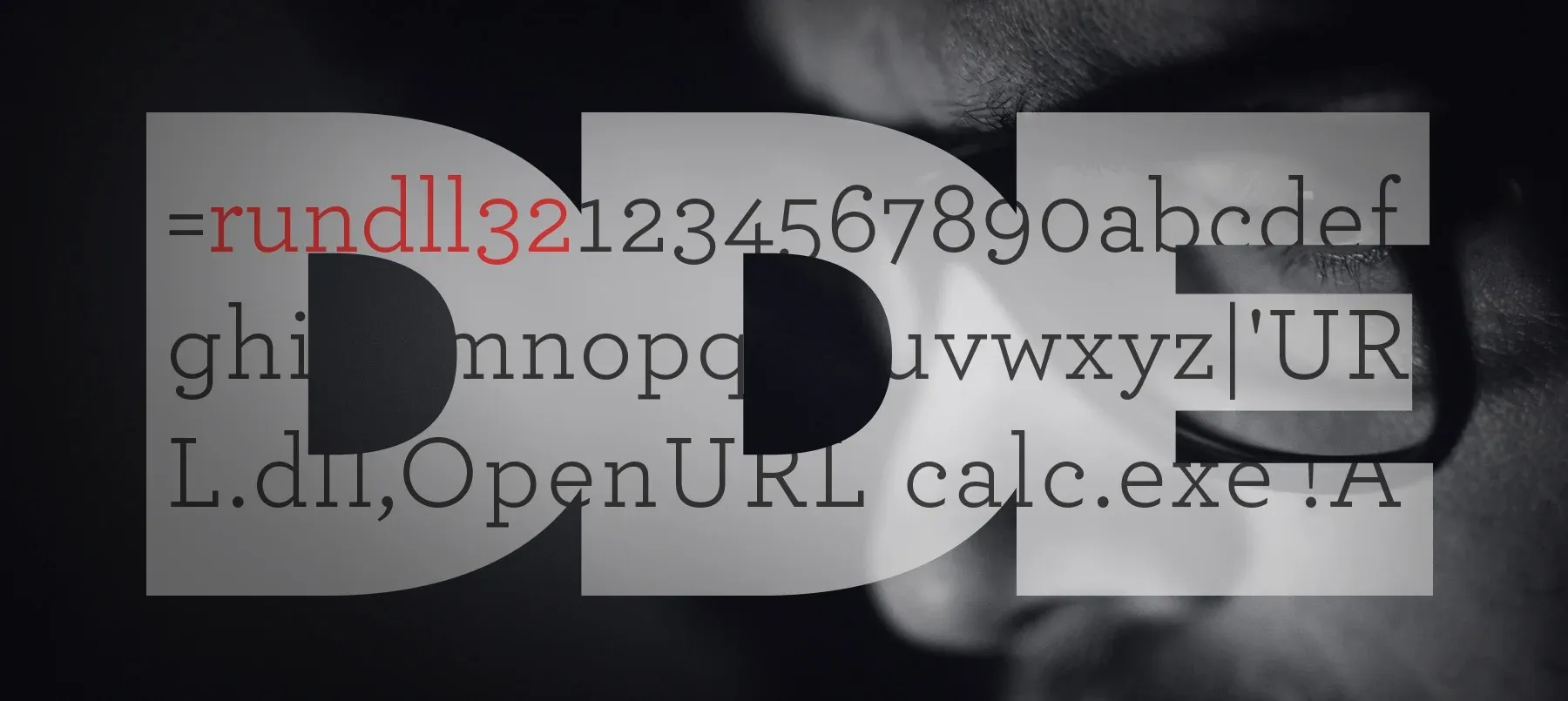
Payloads seen in the wild have so far been using either ‘cmd’, ‘msexcel’ or ‘msiexec’ as the executable of choice, but one can use any external application that has a filename of 8 characters or fewer, and is globally available in the environment. For example, ‘regsvr32’, ‘certutil’, and ‘rundll32’, given that their length is precisely 8 characters, open up a completely new world of suffix obfuscation possibilities:
=rundll32|'URL.dll,OpenURL calc.exe'!A
=rundll321234567890abcdefghijklmnopqrstuvwxyz|'URL.dll,OpenURL calc.exe'!A
Finally, one could add a dash of null bytes or spaces here and there (or everywhere), to achieve infix obfuscation. Spaces cannot be embedded within the name of a command because they will split it, so the command won’t execute. However, everything before the command or between the arguments is fair game. Of course, command names are case-insensitive, so the different casing can also be used for additional obfuscation. Proof-of-concept samples for all described obfuscations can be downloaded here (the password is 'infected').
Figure 1 - infix obfuscation viewed in A1000 hex dump
Needless to say, all these obfuscation techniques can be used separately, or together. All proposed obfuscations have been tested with Excel 2013 and Excel 2007, and are not detected by antivirus vendors at the time of writing. To help you detect simple obfuscation attempts, we have prepared a YARA rule that can be downloaded here.
In this post, three new obfuscation approaches for DDE payloads have been introduced - prefix, infix, and suffix obfuscation. Given that Office products have been in development for the last 27 years, such an extensive body of features is bound to give rise to an unexpected, but completely legitimate playground for typical and malicious users alike. The story of new attack vectors and their obfuscations will continue to unfold in the course of the next few years. We’re eager to see the next new and brilliant old thing being used to deliver payloads.
[1] https://sensepost.com/blog/2017/macro-less-code-exec-in-msword/
[2] http://blog.securelayer7.net/how-to-perform-csv-excel-macro-injection/
[3] https://research.checkpoint.com/another-office-equation-rce-vulnerability/
[4] https://blog.talosintelligence.com/2018/09/adwind-dodgesav-dde.html

New btree malware bypasses the install script, negating the popular repo's measure barely two months after adoption.
This post-mortem on recent supply chain attacks and threat actors including S1ngularity, Shai-Hulud and TeamPCP can help you prepare for what comes next.
The package poses as a security tool targeting developers looking to implement Internet-based apps with telecom networks.